





Most developers know AI tools exist. Fewer know how to make them actually work in a real codebase, on a real deadline, without burning through tokens and producing code that doesn’t run. That’s exactly what this session was about.
Khachik Gasparyan — full-stack PHP developer from Primis with two years of daily Claude Code practice — walked us through his actual workflow. Not theory. Not slides with bullet points.
What we covered
The session opened with a quick landscape of the tools that matter right now — Claude Desktop, Claude Code, Cursor, GitHub Copilot — and what each one is actually good for. Khachik was direct: not all tools are equal, and choosing the right one for the right job saves more time than any prompt trick.
From there, we moved into prompting. The most common mistake engineers make isn’t using the wrong tool — it’s giving it no context. “Fix this bug” tells Claude nothing. A prompt with the file path, the expected behavior, the framework version, and the constraints? That gets results.
The live demo
The core of the session was a live build: adding a referral and bonus system to an existing PHP/Laravel repository — from prompt to working task plan — using Claude Code in the terminal. Khachik showed how he sets up CLAUDE.md (his AI’s persistent memory), how he uses TaskMaster to break large features into manageable sessions, and how handoff files let you switch contexts without losing progress.
One key insight from the demo: Claude gets dumber after 200k tokens. Not metaphorically — literally. The more context is loaded, the more reasoning degrades. The fix is simple: use /compact early, and treat each session like a focused sprint, not an open-ended conversation.
Agents — your permanent team
The second half of the session introduced AI agents: specialized Claude configurations that behave like team members. Khachik’s setup includes a backend agent, a frontend agent, a security auditor, and an architect. They live in his CLAUDE.md folder. Claude picks the right one automatically based on what you’re working on.
The architect agent is worth highlighting: before touching a single line of code, it reviews the whole repo, maps out the change plan, identifies which files will be affected, and asks clarifying questions. It’s planning mode taken seriously.

Security — the part most people skip
Khachik spent time on something most AI tutorials ignore: what happens to your code and tokens when you use these tools. The short version — turn off training data sharing in Claude’s settings, never paste API tokens or passwords into a prompt, and use .cloudignore to protect sensitive files. He’s seen tokens get leaked through innocent-looking prompts. It happens.
Key takeaways
- Don’t do everything in one prompt — divide tasks into sessions and use handoff MD files between them
- CLAUDE.md is your AI’s memory — document your stack, standards, and preferences once
- 200k tokens is the sweet spot — use /compact to reset context without losing progress
- Never paste tokens or passwords into AI — use .cloudignore and turn off training data sharing
- Always review what AI changed — git diff, manual check, reviewer agents. AI can hallucinate functions that don’t exist
- Agents are your team — set them up once, and they work for you on every session automatically


🎬 Watch the Recording
Previous sessions
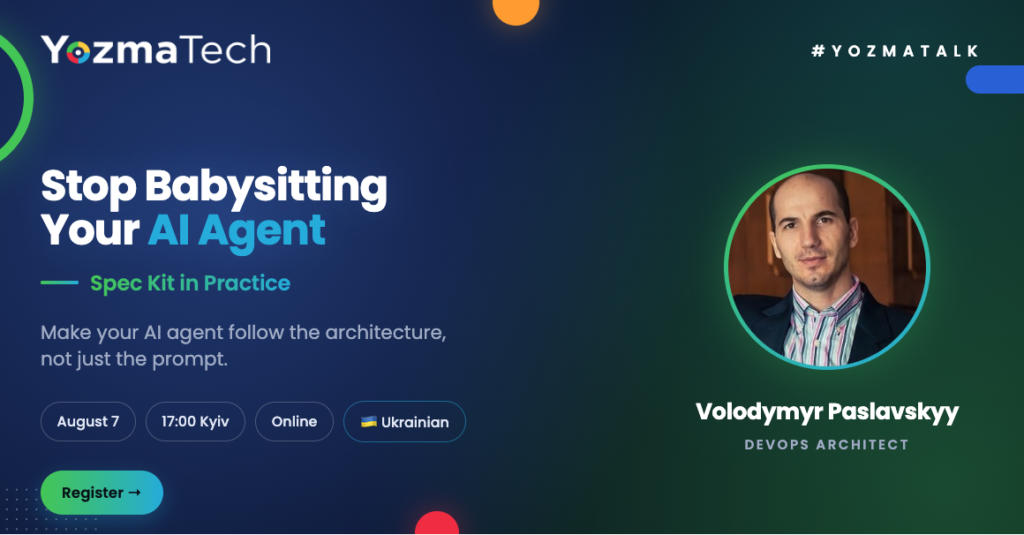
5 August 2026
Stop Babysitting Your AI Agent
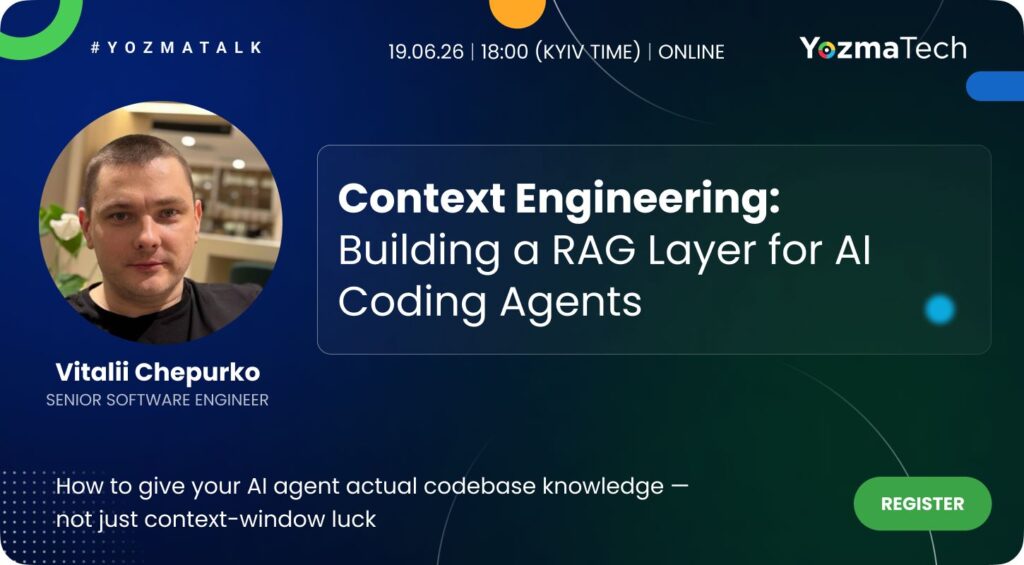
19 June 2026
Context Engineering
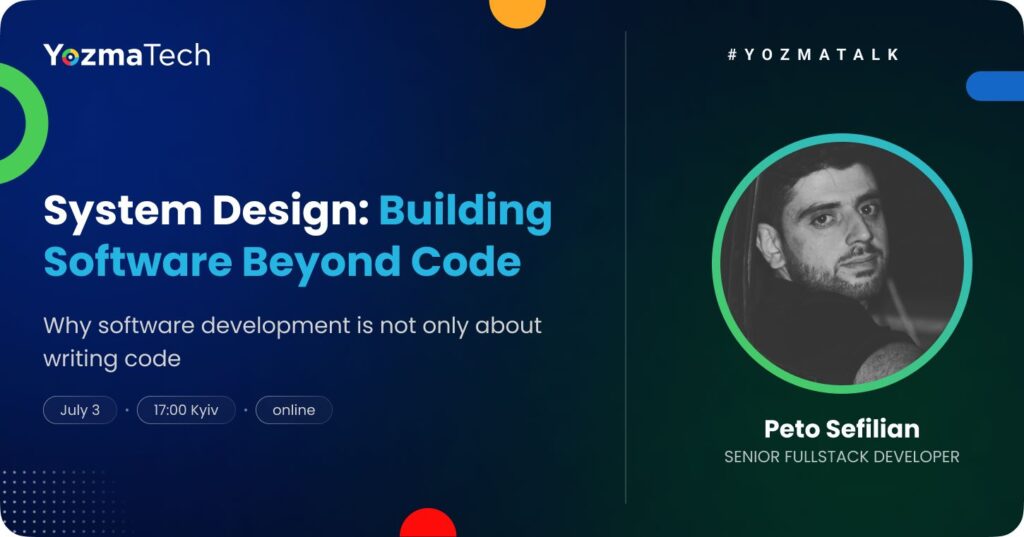
3 July 2026
System Design
If you want to contact The Recipe for an AI Fluency, please leave your details in the form
Please fill in the form and we will back to you soon!
Feel free to reach out to YozmaTech, your dedicated partner in the IT industry. Our expert team is ready to provide top-notch outsourcing solutions tailored to meet your business needs.

Your application has been received successfully.
We will be in touch soon! 🙂
Let's make a Deal!
Know someone who is a perfect match for us? Refer your friend and if they are hired you will get a bonus.
Join us from
anywhere in the world!
Choose the best way of working environment for you – whether attending office or working remotely. We’ve paid attention to taken care that at every stage for you to feel.
Please fill in the form and we will back to you soon!
Feel free to reach out to YozmaTech, your dedicated partner in the IT industry. Our expert team is ready to provide top-notch outsourcing solutions tailored to meet your business needs.
Join our community as a Tech Leader!
Feel free to reach out to YozmaTech, your dedicated partner in the IT industry. Our expert team is ready to provide top-notch outsourcing solutions tailored to meet your business needs.

Stay updated on the latest offshore trends
Competitive salaries, emerging hot locations, the latest advancements in technology, and more
Want to work with us as a [name] from [company_name] ?
Join our next Exclusive Tech Leaders Meeting
An Exclusive Community for High-Tech Leaders. The space where development leaders connect, learn, and grow together. At every stage in a company’s journey, unique challenges arise. Our community is designed to help you overcome them successfully through knowledge sharing, networking, and genuine support.
Join Our Next Exclusive Founders & CEOs Meeting
A peer-to-peer community for founders and CEOs building and scaling tech companies in Israel. Connect with people facing similar challenges, exchange ideas and experiences, and build meaningful relationships that can help you and your company grow.


